
1. Bevezetés
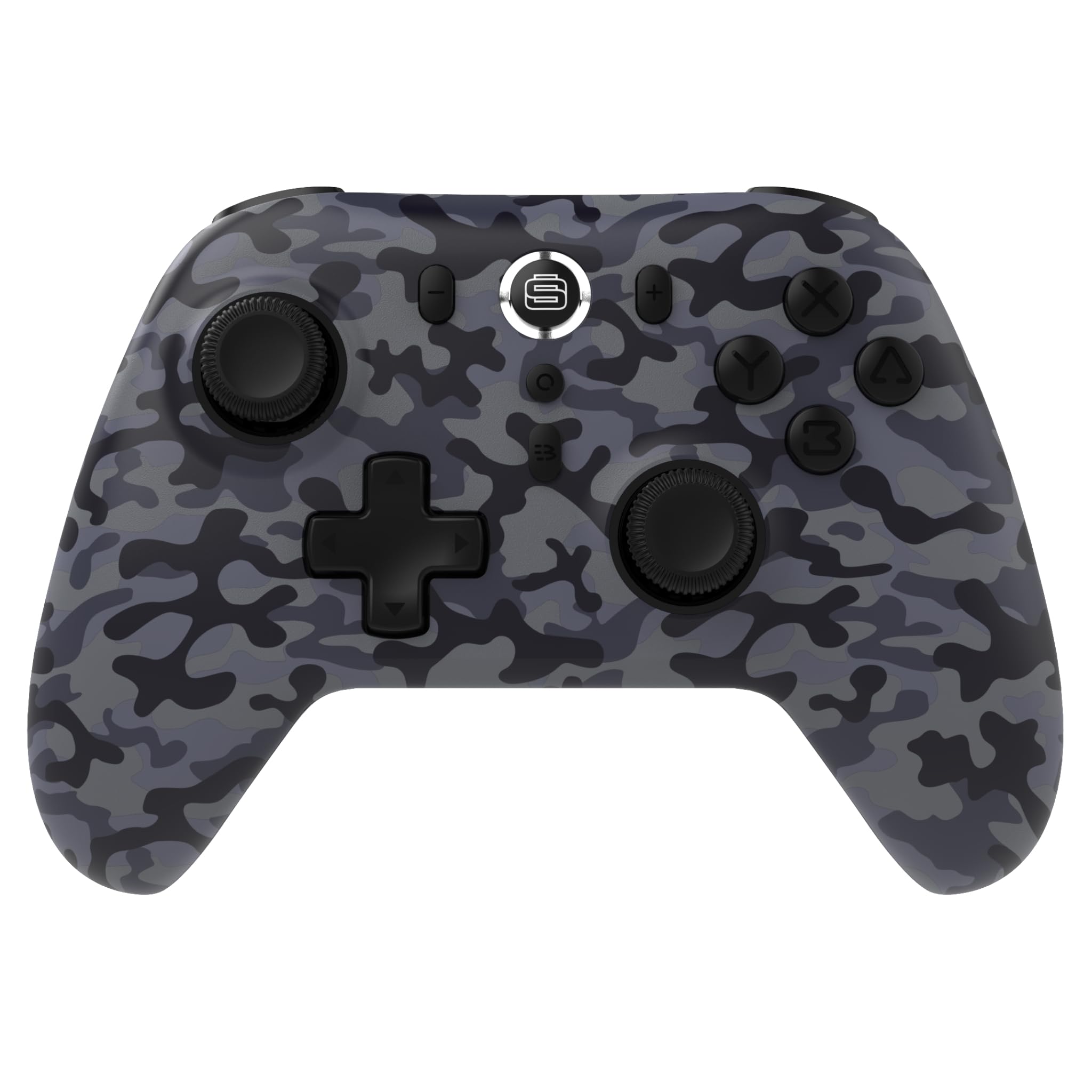
Thank you for choosing the Surge Wireless Pro Controller. This multi-platform Bluetooth controller is designed to enhance your gaming experience across various devices, including Nintendo Switch/Switch 2, Windows PC, Android, and iOS. Featuring Hall Effect sticks and triggers, adjustable turbo functionality, and customizable vibration feedback, this controller offers precision and comfort. Please read this manual thoroughly before use to ensure optimal performance and longevity of your device.
2. A termék jellemzői
- Többplatformos kompatibilitás: Compatible with Nintendo Switch/Switch 2 (Note: No C Button/Audio Port), Windows PC, Steam Deck, Android, and iOS devices.
- Hall Effect Thumb Sticks & Triggers: Delivers precision control and prevents stick drift, ensuring accurate input.
- Turbo Functionality: Offers 3 adjustable turbo levels for rapid-fire control in compatible games.
- Vibrációs visszajelzés: Choose from 4 vibration levels for tailored haptic feedback, enhancing immersion.
- Mozgásvezérlők: Supports motion controls for compatible games on supported platforms.
- Console Wake Up: Ability to wake your Nintendo Switch console from sleep mode instantly (Nintendo Switch Only).
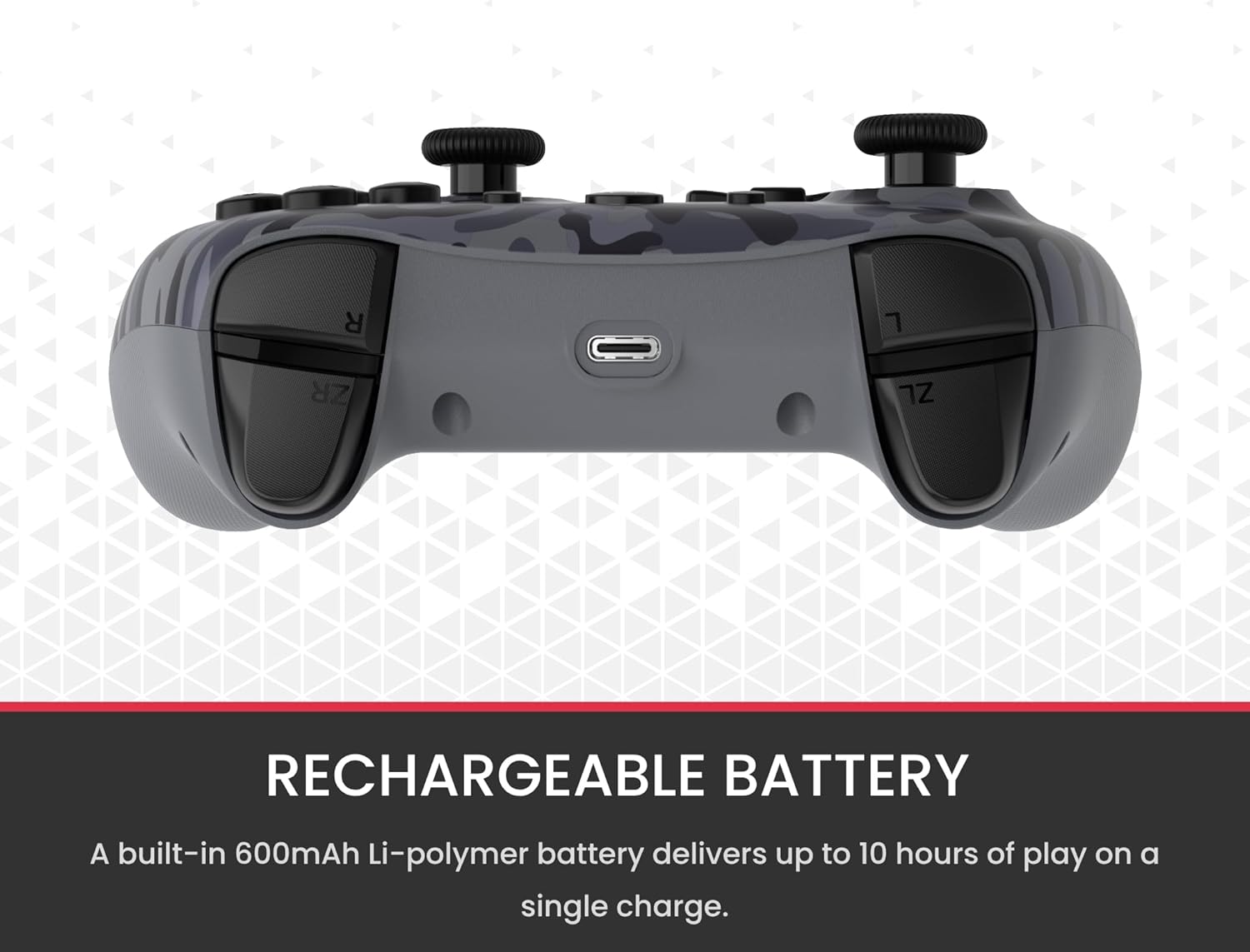
- Újratölthető akkumulátor: A built-in 600mAh Li-polymer battery provides up to 10 hours of gameplay on a single charge.
- USB-C töltőkábel: Includes a 1-meter USB-C cable for convenient recharging.

3. A csomag tartalma
Kérjük, győződjön meg arról, hogy minden tétel megvan a csomagban:
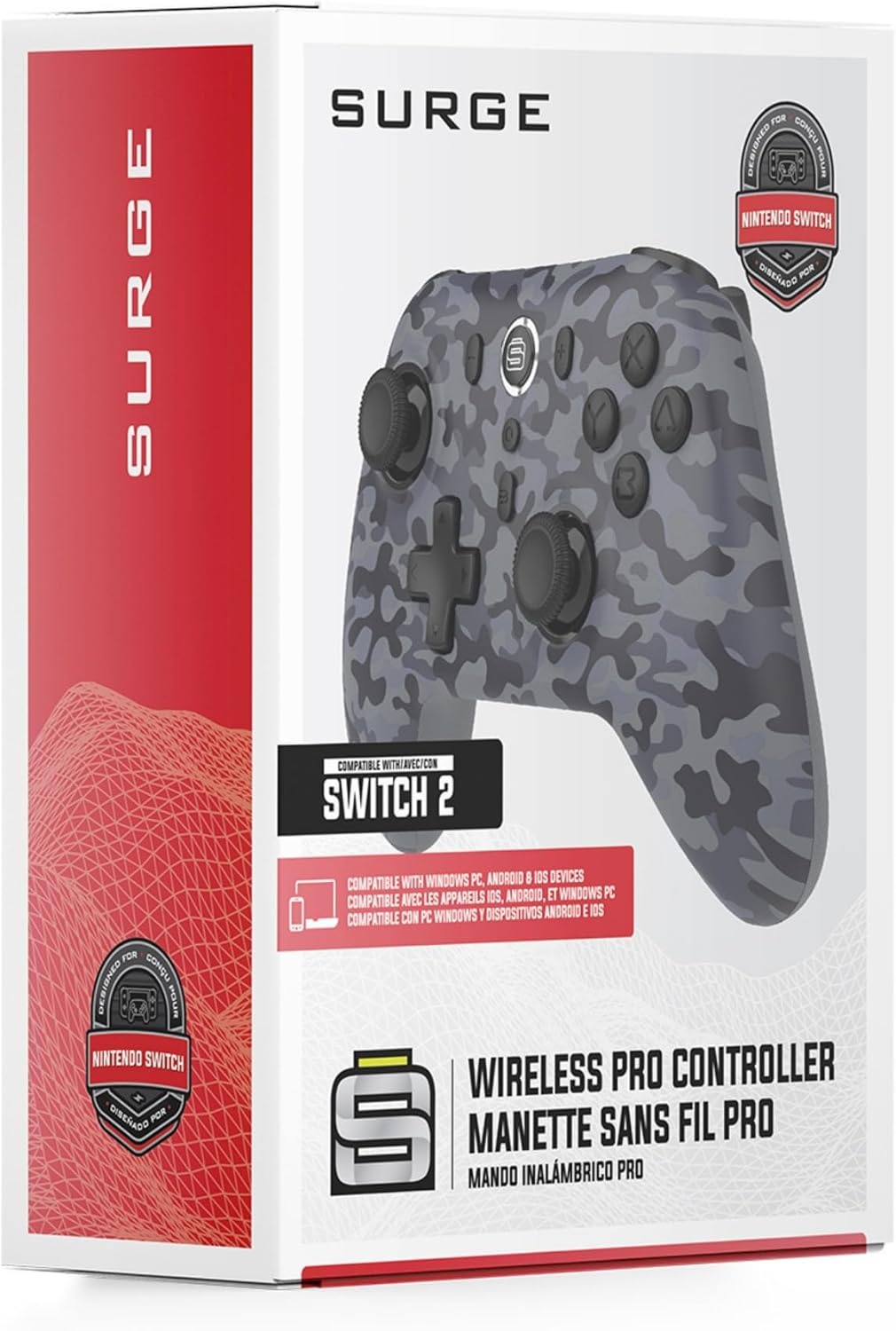
- 1 x Surge Wireless Pro Controller (Model: SG60096)
- 1 x USB-C töltőkábel (1 méter)
- 1 x Felhasználói kézikönyv
4. Beállítás és párosítás
4.1. A vezérlő töltése
Before first use, fully charge the controller using the provided USB-C cable. Connect the USB-C end to the controller's charging port and the USB-A end to a power source (e.g., console, PC, USB wall adapter). The LED indicators on the controller will show charging status.
4.2. Pairing with Nintendo Switch/Switch 2
- A HOME menüből válassza a lehetőséget Vezérlők, akkor Változtasd meg a markolat/rendet.
- A vezérlőn nyomja meg és tartsa lenyomva a gombot Párosítás gomb (usually a small button on the top edge or back) for a few seconds until the player LEDs begin to flash.
- A párosítás után a vezérlő számának megfelelő lejátszó LED (ek) továbbra is világítanak.
- To wake the console from sleep mode, press the Kezdőlap gomb a vezérlőn.
4.3. Pairing with Windows PC
- Győződjön meg arról, hogy a számítógépén engedélyezve van a Bluetooth.
- A vezérlőn nyomja meg és tartsa lenyomva a gombot Párosítás gomb until the LEDs flash rapidly.
- Számítógépén lépjen a következőre: Bluetooth & other devices settings, akkor Bluetooth vagy más eszköz hozzáadása.
- Válassza ki Bluetooth és válassza ki a