
LongPlus X84
LongPlus 2K Vicohome Wireless Outdoor Security Camera Instruction Manual
Típus: X84
Bevezetés
This manual provides detailed instructions for the installation, operation, and maintenance of your LongPlus 2K Vicohome Wireless Outdoor Security Camera. Please read this manual thoroughly before using the product to ensure proper functionality and safety.

Image: Two LongPlus 2K Vicohome Wireless Outdoor Security Cameras, black, with water droplets, mounted on a wall bracket.
A csomag tartalma
Ellenőrizze, hogy az alább felsorolt összes tétel megtalálható-e a csomagban:
- Security Camera with Bracket
- Csavarcsomag
- Reset Needle
- USB kábel
- Gyors üzembe helyezési útmutató
Termékjellemzők
- AI eseményelemzés: Identifies and differentiates between people, pets, vehicles, and packages to reduce false alarms.
- 3MP Color Night Vision: Captures clear color images in low light conditions up to 33 feet.
- PIR Motion Detection & Siren Alarm: Triggers an audio and strobe light alarm upon detecting humanoid motion.
- Rugalmas tárolás: Supports up to 128GB Micro SD card (not included) and optional cloud storage.
- Kétirányú beszélgetés: Allows communication through the Vicohome app.
- 100% Wire-free: Battery-operated design for easy installation without wiring.
- Intelligens otthon integráció: Compatible with Amazon Alexa.
- Széles mező View: 125 fokos viewing szög.
- Időjárásálló kialakítás: IP65 besorolású kültéri használatra.
Beállítás
1. A fényképezőgép töltése
Before initial use, fully charge the camera using the provided USB cable. The charging indicator light will show the charging status.
2. Alkalmazás telepítése és fiók létrehozása
- Download the "Vicohome" app from your smartphone's app store (iOS or Android).
- Nyissa meg az alkalmazást, és kövesse a képernyőn megjelenő utasításokat a fiók létrehozásához és a bejelentkezéshez.
3. Csatlakozás Wi-Fi-hez
- Ensure your camera is powered on and near your Wi-Fi router.
- In the Vicohome app, tap the "+" icon to add a new device.
- Follow the app's instructions to connect the camera to your 2.4GHz Wi-Fi network. 5GHz networks are not supported.
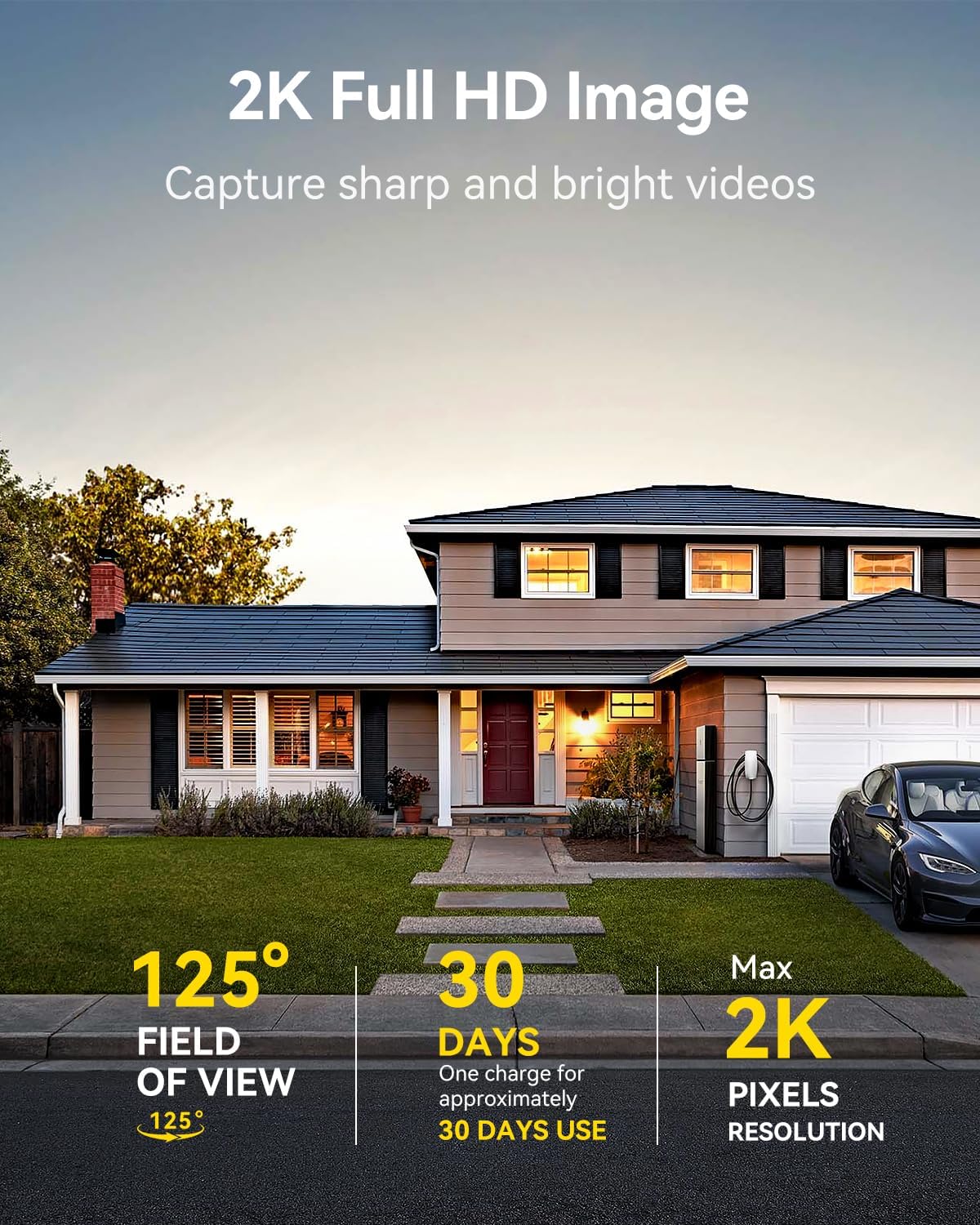
Image: A LongPlus security camera on a wooden table, illustrating its 2.4GHz WiFi connectivity.
4. A kamera felszerelése
The camera can be mounted on a ceiling or wall. Choose a location that provides the desired viewszögben van, és a Wi-Fi hatótávolságán belül van.
- Mark the positions for drilling using the camera bracket as a template.
- Fúrjon előfúró lyukakat, és szükség esetén helyezzen be fali tipliket.
- Secure the bracket to the surface using the provided screws.
- Csatlakoztassa a kamerát a tartóhoz, és állítsa be a szöget.

Image: A LongPlus security camera mounted on an outdoor wall, demonstrating its wire-free installation.
Művelet
1. Élő View
Open the Vicohome app and select your camera to view the live feed. You can monitor your surroundings in real-time.

Image: A smartphone displaying the live feed from a LongPlus security camera, showing children playing in a yard.
2. Kétirányú beszéd
Élőből view screen in the app, tap the microphone icon to initiate two-way communication. Speak into your phone to communicate with individuals near the camera.

Image: A person receiving a package at their front door, demonstrating the two-way talk feature of the LongPlus camera.
3. Mozgásérzékelési beállítások
Configure motion detection sensitivity and define detection zones within the Vicohome app settings for your camera. This helps in reducing unwanted alerts.

Image: A man walking past a LongPlus security camera, illustrating motion detection and app alerts.

Kép: Egy légifelvétel view of a house with a pool, illustrating customizable motion detection zones for different objects.

Image: A house with a lawn, demonstrating the ability to set specific motion detection zones.
4. Éjszakai látás
The camera automatically switches to color night vision in low light conditions, providing clear visibility.

Image: A LongPlus security camera mounted outdoors at night, showing its color night vision capability on a smartphone screen.
5. Felvétel és lejátszás
Recordings are stored on a Micro SD card (if installed) or in the cloud (subscription may be required). Access and playback recorded events through the Vicohome app's library section.

Image: A LongPlus camera with an SD card being inserted, illustrating local and cloud storage options.
6. Eszközmegosztás
You can share access to your camera with other users through the Vicohome app, allowing multiple individuals to monitor the feed simultaneously.
7. Intelligens otthon integráció
The camera is compatible with Amazon Alexa. Follow the instructions in the Vicohome app or Alexa app to link your devices and use voice commands for monitoring.

Image: A person using an Amazon Echo Show to view the camera feed via Alexa voice commands.
Karbantartás
1. Akkumulátor töltés
Monitor the battery level through the Vicohome app. Recharge the camera when the battery is low to ensure continuous operation. If the camera is installed in a hard-to-reach location, consider using a compatible solar panel charger (sold separately) to reduce the frequency of manual charging.
2. SD kártya kezelése
If using a Micro SD card, ensure it is a genuine card and inserted correctly. Periodically review és kezeli a tárolt élelmiszerekettage. The card can be ejected with a gentle press.
3. Tisztítás
Gently wipe the camera lens and body with a soft, dry cloth to remove dust and debris. Avoid using harsh chemicals or abrasive materials.
Hibaelhárítás
| Probléma | Lehetséges ok | Megoldás |
|---|---|---|
| A fényképezőgép nem csatlakozik a Wi-Fi-hez | Helytelen Wi-Fi jelszó; a kamera túl messze van a routertől; 5 GHz-es Wi-Fi hálózatot használ. | Verify Wi-Fi password. Move camera closer to router. Ensure you are connecting to a 2.4GHz Wi-Fi network. Reset the camera using the reset needle and try pairing again. |
| Gyakori téves riasztások | High motion detection sensitivity; environmental factors (e.g., moving branches, insects). | Reduce motion detection sensitivity in the Vicohome app. Define specific detection zones to exclude irrelevant areas. |
| Rövid akkumulátor-élettartam | Gyakori mozgásérzékelési események; hideg időjárás; folyamatos élőkép view használat. | Csökkentse a mozgásérzékelés érzékenységét. Korlátozza az élőképet. view sessions. Consider purchasing a solar panel charger for continuous power. Ensure the camera is fully charged before deployment. |
| Rossz képminőség éjszaka | Obstructions near the lens; insufficient ambient light for color night vision. | Ensure the camera lens is clean and free from obstructions. Verify that the night vision mode is active in the app settings. |
| SD-kártya nem rögzít | SD card not inserted correctly; incompatible SD card; SD card full or corrupted. | Reinsert the SD card carefully. Use a genuine Micro SD card up to 128GB. Format the SD card through the app. Replace the SD card if corrupted. |
Műszaki adatok
| Funkció | Részlet |
|---|---|
| Modellszám | X84 |
| Beltéri/Kültéri használat | Beltéri, Kültéri |
| Áramforrás | Elemről működik |
| Kapcsolati protokoll | Wi-Fi (2.4 GHz) |
| Vezérlő típusa | Amazon Alexa, Vicohome App |
| Videórögzítési felbontás | 1440p (2K) |
| Hatékony állóképfelbontás | 3 MP |
| Viewing Angle | 130 fok |
| Éjjellátó tartomány | 33 láb |
| Képkockasebesség | 15 képkocka másodpercenként |
| Anyag | Kiváló minőségű ABS |
| Vízállósági szint | IP65 (vízálló) |
| Flash memória támogatott maximális mérete | 128 GB (Micro SD) |
| A tétel méretei (H x Sz x Ma) | 2.36 x 2.16 x 4 hüvelyk |
| Tétel súlya | 1.59 font (0.72 kilogramm) |
| Elemek | 1 lítium-ion akkumulátor szükséges (tartozék) |
Támogatás
For technical assistance, troubleshooting beyond this manual, or warranty inquiries, please contact LongPlus customer support. Refer to the product packaging or the official LongPlus weboldal az elérhetőségekért.
Meglátogathatod a LongPlus Store on Amazon további termékinformációkért és forrásokért.