
1. Bevezetés
This manual provides essential information for the installation, operation, and maintenance of the Hirschmann RS20-0800T1T1SDAUHH Ethernet Rail Switch. This unmanaged Fast Ethernet switch is designed for industrial applications, offering reliable network connectivity with 8 ports and DIN rail mounting capabilities. Please read this manual thoroughly before operating the device.
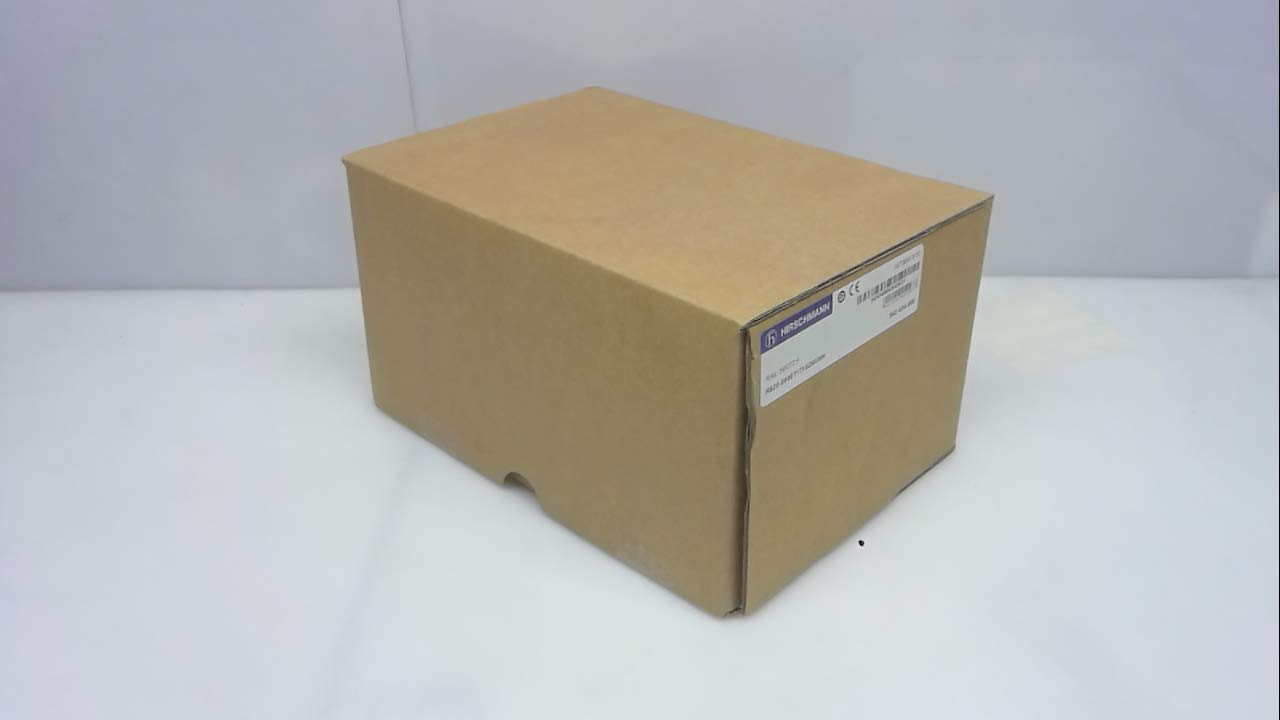
1. ábra: Hirschmann RS20-0800T1T1SDAUHH Ethernet Rail Switch in its original packaging. The packaging indicates the model number and brand for verification.
2. Beállítás és telepítés
Follow these steps for proper installation of your Hirschmann RS20-0800T1T1SDAUHH switch.
2.1 Kicsomagolás
- Óvatosan vegye ki a kapcsolót a csomagolásából.
- Verify that all components are present and undamaged. The package should contain the switch and any included hardware.
2.2 Szerelés
The RS20-0800T1T1SDAUHH is designed for DIN rail mounting.
- Attach the switch securely to a standard DIN rail in an industrial enclosure.
- A túlmelegedés elkerülése érdekében biztosítson megfelelő szellőzést a készülék körül.
2.3 Tápfeszültség csatlakozás
Csatlakoztassa a tápegységet a kapcsolóhoz.
- The switch operates on 24V AC or 24-48V DC.
- Győződjön meg arról, hogy az áramforrás megfelel a megadott feszültségnek.tage tartomány.
- Connect the power cables to the designated power input terminals on the switch.
2.4 Hálózati kapcsolatok
Connect Ethernet devices to the switch ports.
- The switch features 8 Fast Ethernet ports.
- Use standard Ethernet cables (e.g., Cat5e or Cat6) to connect your network devices (e.g., PLCs, industrial PCs, sensors) to any of the 8 ports.
- The switch automatically detects link speed and duplex mode.

2. ábra: The Hirschmann RS20-0800T1T1SDAUHH switch, illustrating the 8 Ethernet ports and the power input terminal block for connection.
3. Használati útmutató
The Hirschmann RS20-0800T1T1SDAUHH is an unmanaged switch, designed for simple plug-and-play operation.
3.1 Bekapcsolás
Once the power supply is connected, the switch will power on automatically. There is no power button.
3.2 Hálózati kapcsolat
Upon connecting Ethernet devices to the switch ports, the switch will automatically establish network links. Data transmission will commence without further configuration.
3.3 LED kijelzők
Observe the LED indicators on the switch for status information:
- Tápellátás LED: Indicates the power status of the device. Typically green when powered on.
- Kapcsolat/Aktivitás LED-ek (portonként):
- Folyamatos zöld: Indicates a successful network link.
- Zölden villogó: Indicates data activity on the port.
- Le: No link detected or device is not connected.
4. Karbantartás
The Hirschmann RS20-0800T1T1SDAUHH switch requires minimal maintenance.
4.1 Tisztítás
- Tisztítás előtt győződjön meg arról, hogy a készülék ki van kapcsolva.
- Puha, száraz ruhával törölje át a kapcsoló külsejét.
- Do not use liquid cleaners or solvents, as these can damage the device.
4.2 Környezetvédelmi szempontok
The switch has an IP00 rating, meaning it is not protected against dust or water ingress. It must be installed in an appropriate enclosure that provides protection from environmental factors.
5. Hibaelhárítás
This section provides solutions to common issues.
5.1 Nincs áram
- Tünet: A tápfeszültség LED nem világít.
- Akció:
- Check the power cable connection to the switch.
- Ellenőrizze, hogy az áramforrás aktív-e, és a megfelelő hangerőt biztosítja-etage (24V AC / 24-48V DC).
- Inspect the power terminals for secure contact.
5.2 Nincs hálózati kapcsolat
- Tünet: Link/Activity LED for a port is off, or devices cannot communicate.
- Akció:
- Győződjön meg arról, hogy az Ethernet-kábel megfelelően csatlakozik mind a switch portjához, mind a csatlakoztatott eszközhöz.
- Próbáljon ki egy másik Ethernet-kábelt.
- Ellenőrizze, hogy a csatlakoztatott eszköz be van-e kapcsolva és megfelelően működik-e.
- Próbálja meg az eszközt a kapcsoló másik portjához csatlakoztatni.
6. Műszaki adatok
Technical specifications for the Hirschmann RS20-0800T1T1SDAUHH Ethernet Rail Switch.
| Funkció | Specifikáció |
|---|---|
| Modellszám | RS20-0800T1T1SDAUHH |
| Márka | Hirschmann |
| Kapcsoló típusa | Nem felügyelt gyors Ethernet kapcsoló |
| Portok száma | 8 |
| Szerelés típusa | DIN sín |
| Operation Voltage | 24V AC / 24-48V DC |
| Kapcsolati protokoll | Ethernet |
| Termék méretei (H x Sz x Ma) | 0.31 x 0.31 x 0.28 hüvelyk |
| Súly | 5.67 font |
| Nemzetközi védelmi minősítés | IP00 |
| Kapcsolattartó anyag | Réz |
| Az első elérhető dátum | 11. május 2018 |

3. ábra: Product label for the Hirschmann RS20-0800T1T1SDAUHH, displaying key identification numbers such as UPC 4002044252977 and Alt ID 943 434-999.
7. Garancia és támogatás
7.1 Jótállási információk
For specific warranty details regarding your Hirschmann RS20-0800T1T1SDAUHH switch, please refer to the warranty documentation provided with your purchase or contact Hirschmann directly. Warranty terms typically cover manufacturing defects for a specified period from the date of purchase.
7.2 Műszaki támogatás
If you encounter issues that cannot be resolved using the troubleshooting guide, or require further technical assistance, please contact Hirschmann customer support or your authorized distributor. Have your product model number (RS20-0800T1T1SDAUHH) and serial number ready when contacting support.