
1. Bevezetés
The Cobra ACXT645 walkie talkies are designed for reliable two-way communication in various environments. This manual provides essential information for the proper use and maintenance of your device.
The ACXT645 features a splashproof (IPX4) rating, 22 channels with 121 privacy codes, NOAA Weather Alerts, Voice-Activated Transmission (VOX), VibrAlert feedback, and a built-in LED flashlight. These features enhance usability and safety during outdoor activities or in situations requiring dependable communication.
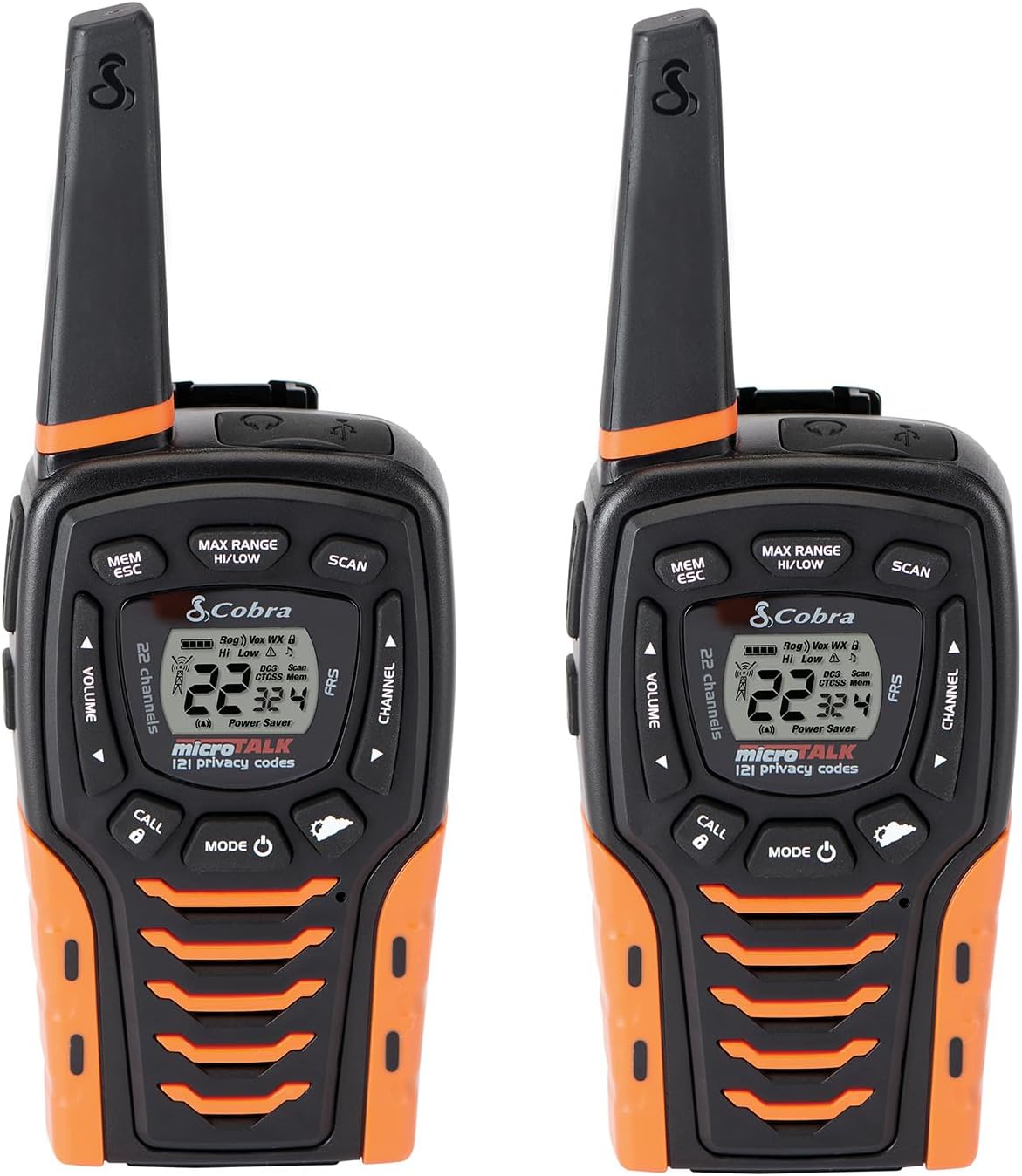
Image: Two Cobra ACXT645 walkie talkies, showcasing their design and display.
2. A csomag tartalma
Győződjön meg arról, hogy minden tétel megvan a csomagban:
- 2 x Cobra ACXT645 Walkie Talkies
- 2 x övcsíkok
- 2 x Rechargeable AA NiMH Batteries
- 1 x Micro-USB kábel
- 1 x Dual Dock Charger

Image: Contents of the Cobra ACXT645 package, including radios, charger, batteries, and belt clips.
3. Beállítás
3.1. Elemek behelyezése
- Távolítsa el az övcsipeszt az elengedésselasinaz övcsipesz reteszét, és csúsztassa felfelé a csipeszt.
- Húzza fel az elemajtó reteszét az elemtartó fedelének eltávolításához.
- Insert the supplied three AA rechargeable NiMH batteries, observing polarity.
- Helyezze vissza az elemtartó fedelét és az övcsipeszt.
3.2. A rádiók töltése
The radios can be charged using the included dual dock charger or directly via the Micro-USB cable.
- Using the Dual Dock Charger: Place the walkie talkies into the charging slots on the dock. Ensure they are seated correctly. The charging indicator lights will illuminate.
- Using the Micro-USB Cable: Plug the Micro-USB cable into the USB charge jack located on the radio and connect the other end to a compatible USB power source.
It is recommended to charge the batteries fully before first use. The radio can be used while being charged.
3.3. Az övcsipesz rögzítése
Slide the belt clip onto the designated slot on the back of the radio until it clicks into place. This allows for convenient carrying on your belt, purse, or backpack.
4. Használati útmutató
4.1. Be-/Kikapcsolás
Nyomja meg és tartsa lenyomva a gombot MODE/POWER button until the display illuminates to turn the radio on. To turn off, press and hold the same button until the display turns off.
4.2. Csatorna kiválasztása
Használja a CSATORNA FEL or CSATORNA LE buttons to select one of the 22 available channels. The selected channel number will be displayed on the LCD screen.
4.3. Adatvédelmi kódok (CTCSS/DCS)
The ACXT645 supports 121 privacy codes (38 CTCSS and 83 DCS codes) to help reduce interference from other users. To set a privacy code:
- Nyomja meg a MODE/POWER button until the CTCSS or DCS icon flashes.
- Használja a CSATORNA FEL or CSATORNA LE gombokkal válassza ki a kívánt biztonsági kódot.
- Nyomja meg a MODE/POWER gombot a megerősítéshez és a kilépéshez.
Both radios must be set to the same channel and privacy code to communicate successfully.
4.4. Átvitel és vétel
- Átvitel: Nyomja meg és tartsa lenyomva a gombot BESZÉLGETÉS button. Speak clearly into the microphone. Release the BESZÉLGETÉS button to finish transmitting.
- Fogadás: The radio is always in receive mode when the BESZÉLGETÉS gombot nem nyomják meg.
4.5. Hangerő beállítása
Használja a HANGERŐ FEL or HANGERŐ LE buttons to adjust the listening volume. A double beep sound indicates the minimum and maximum volume levels.
4.6. NOAA időjárási csatornák
The ACXT645 provides 24/7 access to NOAA weather channels. To activate:
- Nyomja meg a MODE/POWER button until the Weather icon appears.
- Használja a CSATORNA FEL or CSATORNA LE gombokkal válasszon ki egy időjárás-csatornát.
- Nyomja meg a MODE/POWER gombot a megerősítéshez és a kilépéshez.
4.7. Hangvezérelt átvitel (VOX)
VOX allows for hands-free operation. When activated, the radio will automatically transmit when you speak. To enable/disable VOX:
- Nyomja meg a MODE/POWER gombot, amíg a VOX ikon villogni nem kezd.
- Használja a CSATORNA FEL or CSATORNA LE gombokkal válassza ki a BE vagy KI opciót.
- Nyomja meg a MODE/POWER gombot a megerősítéshez és a kilépéshez.
4.8. VibrAlert®
This feature provides vibrating feedback for incoming transmissions, useful in noisy environments or when discretion is required. To enable/disable VibrAlert:
- Nyomja meg a MODE/POWER button until the VibrAlert icon flashes.
- Használja a CSATORNA FEL or CSATORNA LE gombokkal válassza ki a BE vagy KI opciót.
- Nyomja meg a MODE/POWER gombot a megerősítéshez és a kilépéshez.
4.9. LED Flashlight / SOS Function
The radio includes a built-in LED flashlight located at the bottom. To activate the flashlight, press the LED fény button. To activate the SOS function, press and hold the LED fény gombot néhány másodpercig.
4.10. Szkennelési funkció
The scan function allows you to automatically scan through all 22 channels and 121 privacy codes to find active transmissions. To activate, press the LETAPOGATÁS button. Press again to stop scanning.
4.11. Billentyűzár
A beállítások véletlen módosításának elkerülése érdekében lezárhatja a billentyűzetet. Nyomja meg és tartsa lenyomva a CALL/LOCK button for two seconds. The lock icon will appear on the display. Repeat the process to unlock.
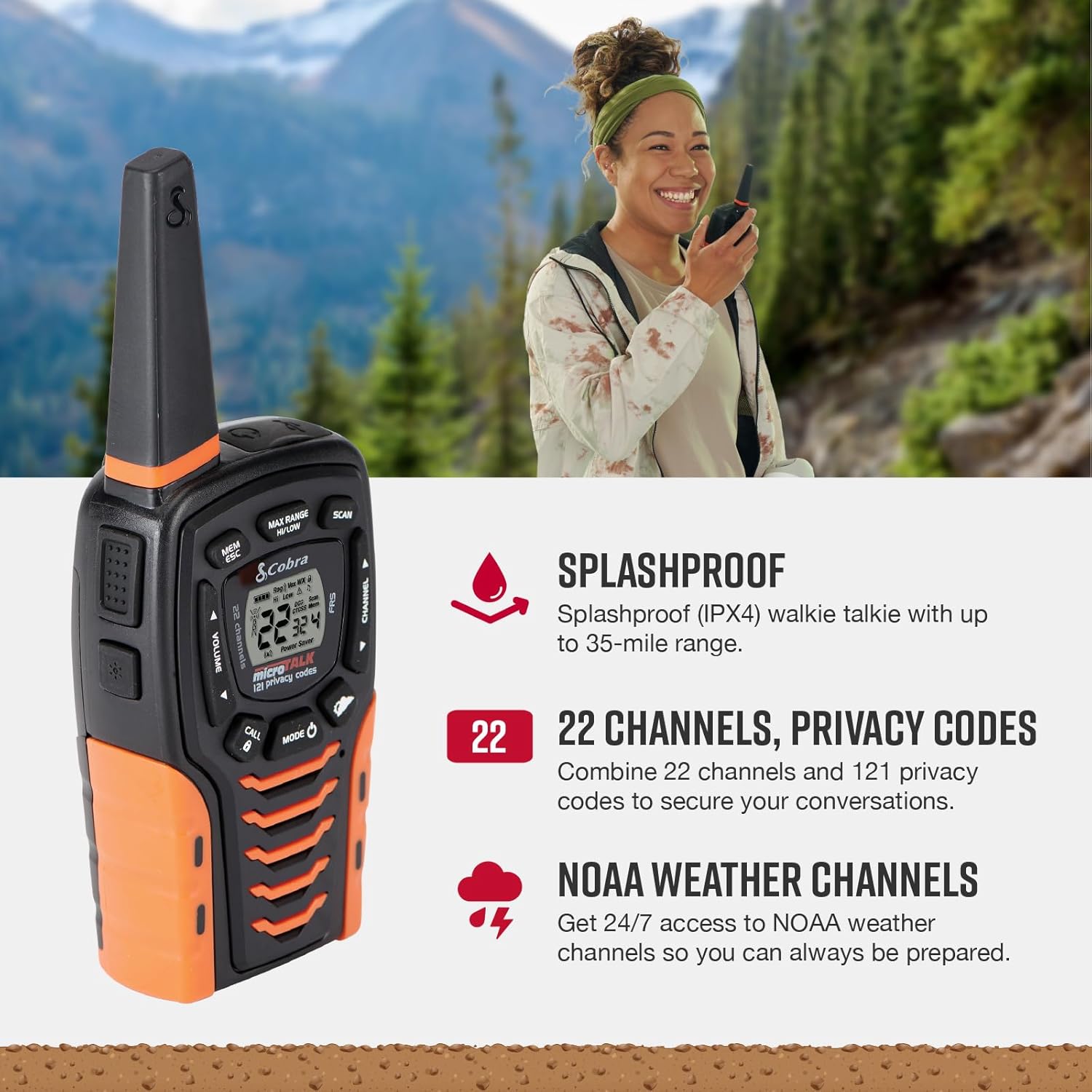
Image: Key features of the Cobra ACXT645, including splashproof design, channels, and NOAA weather alerts.
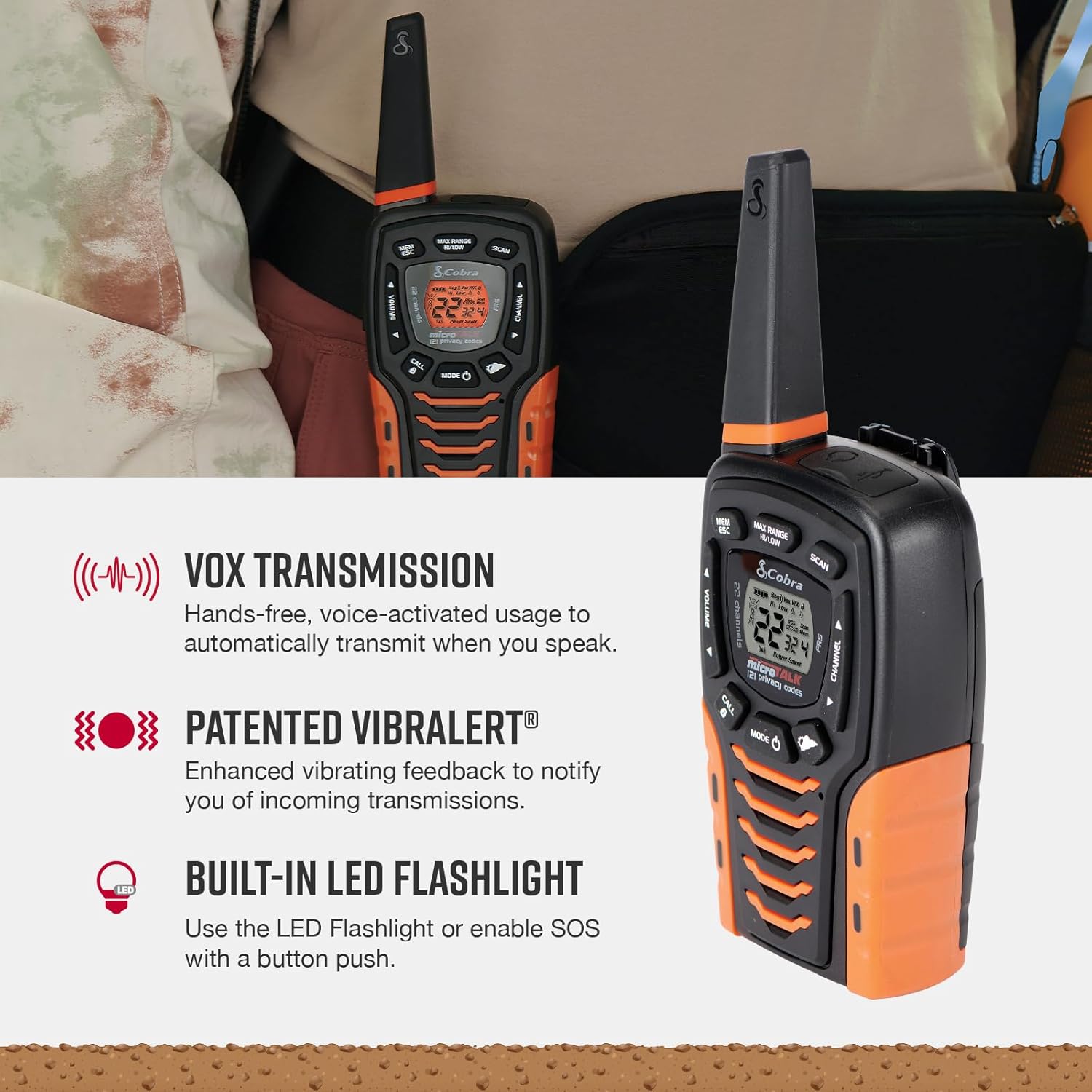
Image: Additional features like VOX, VibrAlert, and the LED flashlight on the Cobra ACXT645.
Videó: Rövid termékismertetőview of the Cobra ACXT645 walkie talkies, demonstrating their features and design.
5. Tartományinformációk
The maximum range of up to 35 miles is achieved under optimal conditions, such as open water or rural areas with clear line of sight. Actual usable range can vary significantly due to several factors:
- Terep: Dense foliage, hills, and urban structures can significantly reduce range.
- Időjárás: Adverse weather conditions can impact signal quality and range.
- Elektromágneses interferencia: Más elektronikus eszközök vagy rádiójelek interferenciát okozhatnak.
For communication over shorter distances or in areas with obstructions, the radio automatically switches to lower power to conserve battery life while still providing reliable communication.
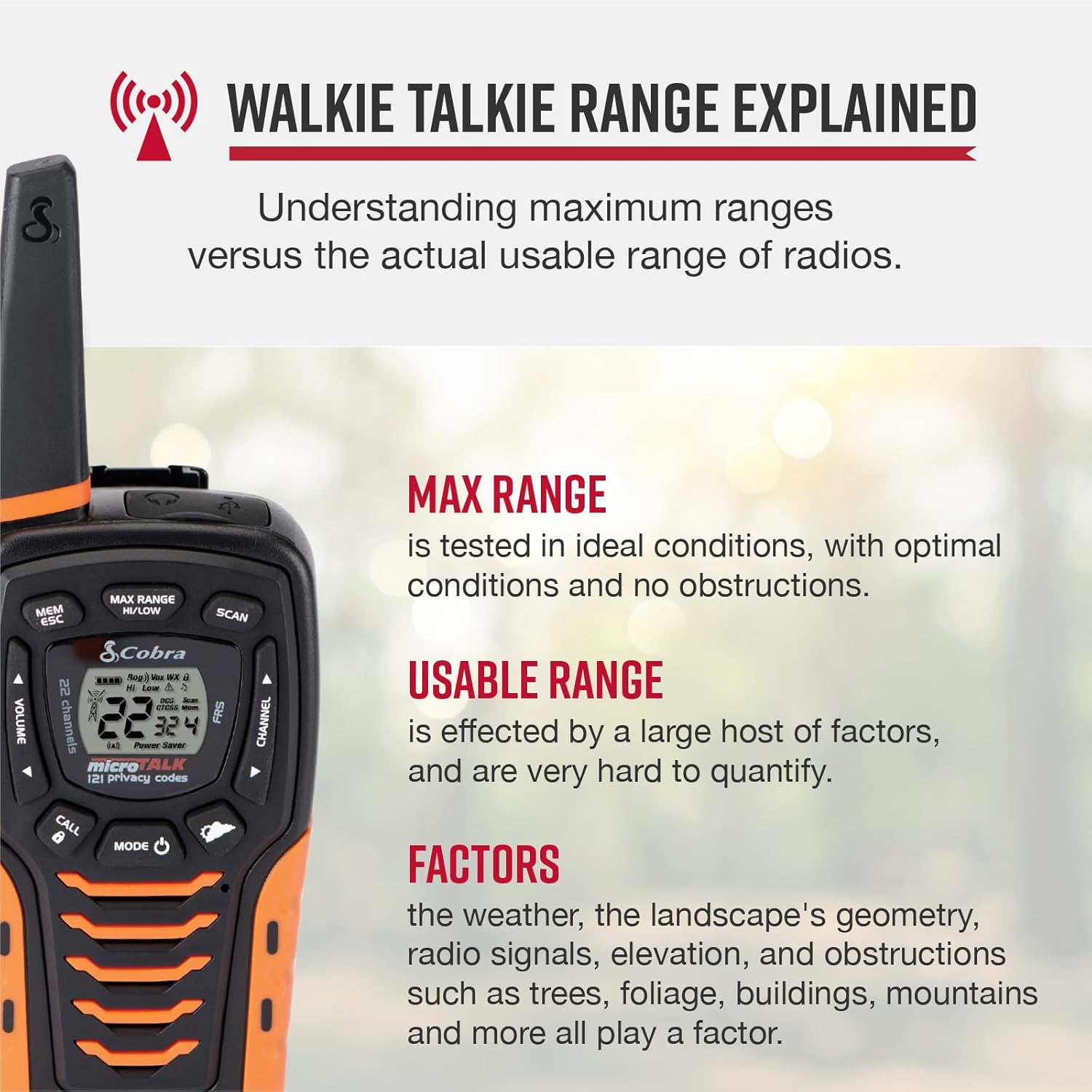
Image: Explanation of walkie talkie range, detailing factors that affect usable range.
6. Karbantartás
6.1. Tisztítás
A rádió külsejét puha, damp cloth. Do not use abrasive cleaners or solvents, as these can damage the unit.
6.2. Az akkumulátor gondozása
To maximize battery life, fully charge the batteries before each use. If storing the radios for an extended period, remove the batteries to prevent leakage.
6.3. Tárolás
A rádiókat hűvös, száraz helyen, közvetlen napfénytől és szélsőséges hőmérséklettől védve tárolja.
7. Hibaelhárítás
- Nincs áram: Győződjön meg arról, hogy az akkumulátorok megfelelően vannak behelyezve és feltöltve.
- Nem lehet küldeni/fogadni: Verify both radios are on the same channel and privacy code. Check if the keypad lock is active.
- Gyenge hatótávolság/interferencia: Adjust the Max Range Hi/Lo setting. Move to an area with fewer obstructions. Check for sources of electromagnetic interference.
- Static/Unclear Audio: Adjust volume. Ensure both radios are within effective range and have clear line of sight if possible.
8. Műszaki adatok
| Funkció | Specifikáció |
|---|---|
| Modellszám | ACXT645 |
| Méretek | 6.73 x 2.57 x 1.74 hüvelyk |
| Tétel súlya | 5.1 uncia |
| Csatornák száma | 22 |
| Adatvédelmi kódok | 121 (38 CTCSS, 83 DCS) |
| Frekvencia tartomány | 400-512 MHz |
| Maximális beszédtávolság | 35 Miles (optimal conditions) |
| Vízállósági szint | Fröccsenésálló (IPX4) |
| Elemek | 3 AAA NiMH rechargeable (included) |
| Különleges jellemzők | NOAA Weather Alerts, VOX, VibrAlert, LED Flashlight, SOS Function |
9. Garancia és támogatás
Cobra Electronics offers reliable communication solutions with over 50 years of proven quality. For any questions about operating or installing your new Cobra product, or to inquire about warranty service, please refer to the contact information provided in your product documentation or visit the official Cobra webtelek.
This product is USA engineered and supported, exemplifying superior technology and craftsmanship.